
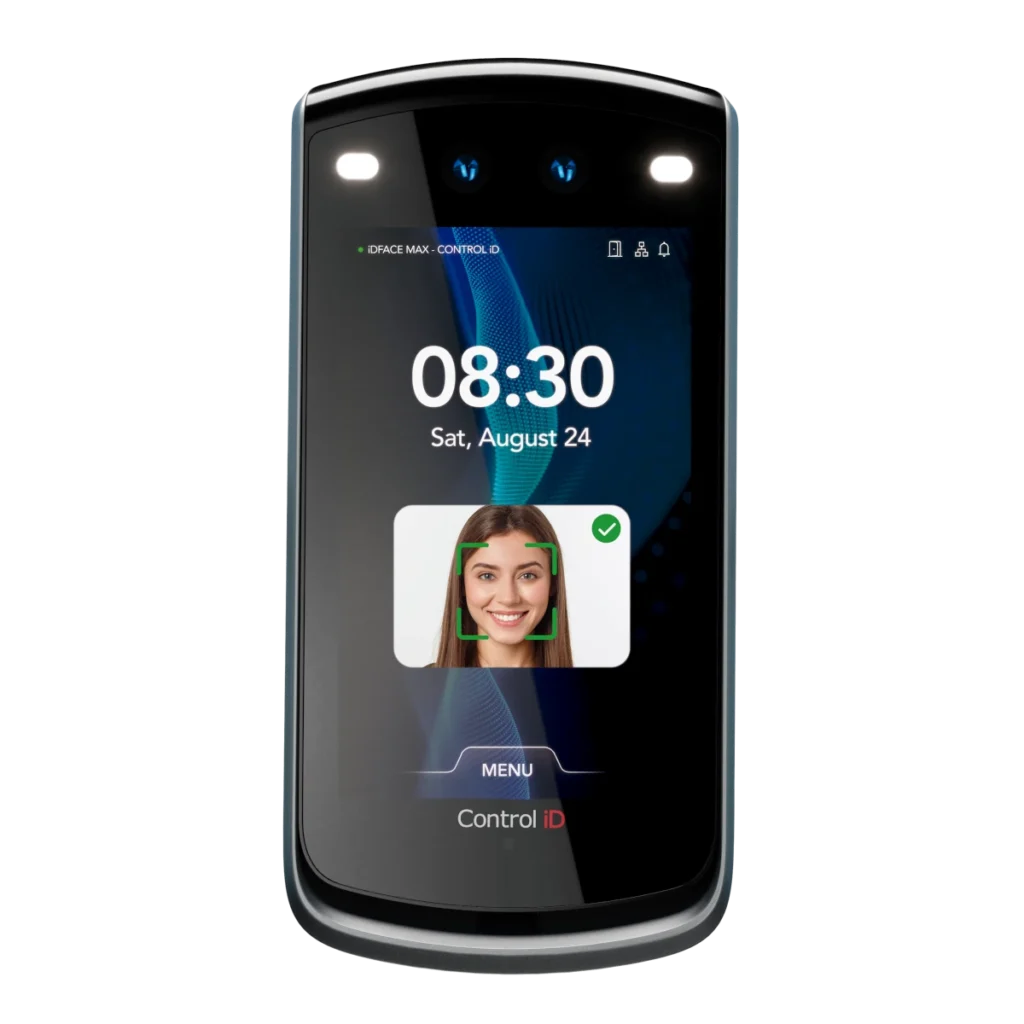
Datasheet iDFace Max
Overview
The Kentix iDFace Max enables contactless access control via facial recognition in combination with an integrated RFID reader for MIFARE® DESFire® and MIFARE® Classic chips. The system is designed for use on individual doors and is also suitable for outdoor use thanks to its robust housing.
The iDFace Max combines a camera system, RFID reader, display, and signaling functions into a single device. Identification is performed via facial recognition or an RFID tag, while a 7-inch TFT color display shows status information.
In addition, the device has an integrated intercom system that enables direct audio communication via IP networks. This means that the iDFace Max can be seamlessly integrated into existing telephone systems and used as a door intercom.
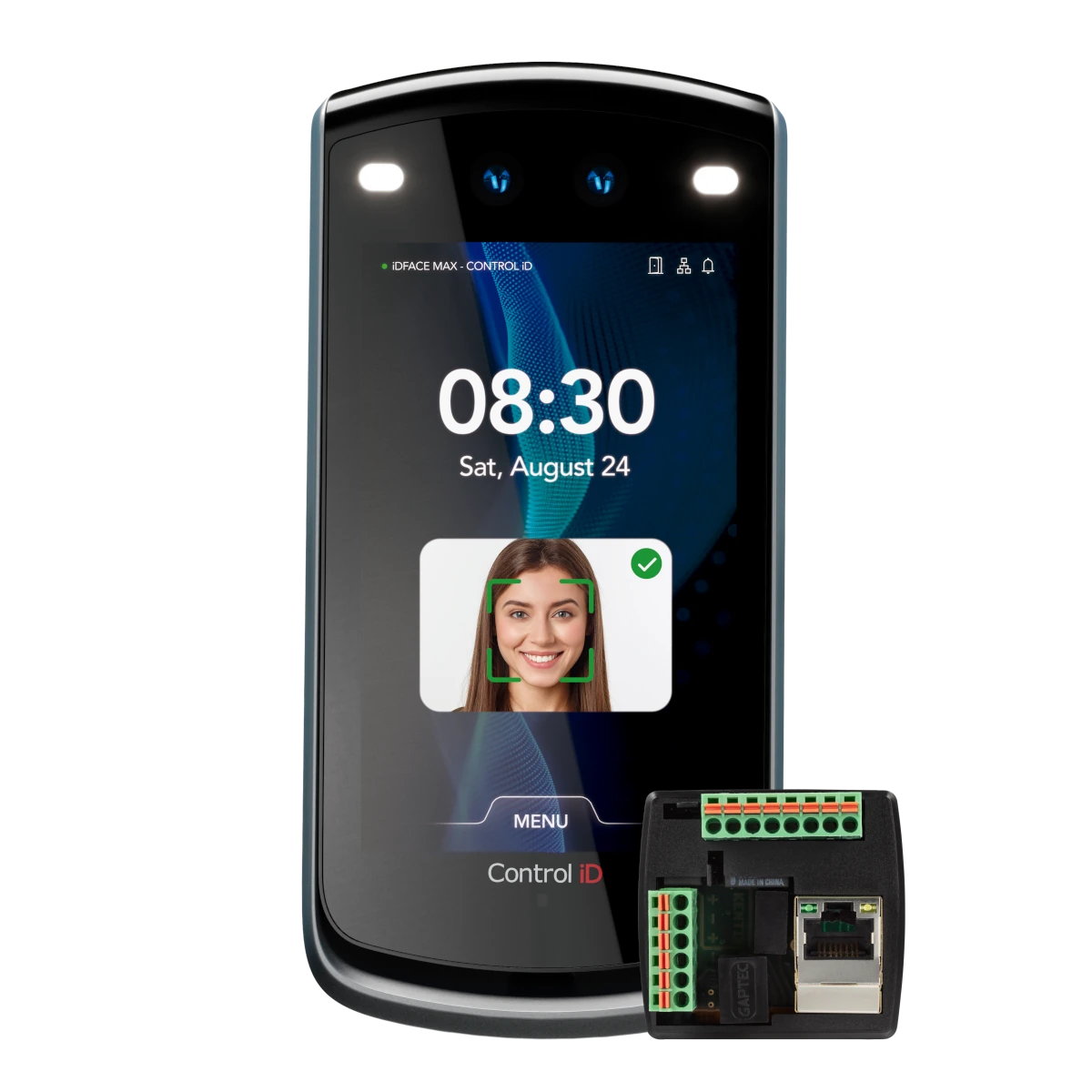
The connection is made via Ethernet with PoE, which ensures both data transmission and power supply via a standard patch cable. The iDFace Max is used in combination with the Kentix AccessManager.
Safety instructions
No modifications of any kind may be made to Kentix GmbH products, with the exception of those described in the relevant instructions.
When installing Kentix devices, certain degrees of protection must be guaranteed.
Observe the relevant regulations for installations in the respective environment.
Only operate the products within the defined temperature range.
The instructions should be passed on to the user by the person carrying out the installation.
Kentix accepts no liability for damage to the devices or components caused by incorrect installation. Kentix accepts no liability for incorrectly programmed units.
Kentix accepts no liability for faults, material damage or other damage.
moisture, dirt and damage during transportation, storage and operation.
Only operate the products within the defined temperature range.
Installation and battery replacement may only be carried out by trained specialist personnel in accordance with the instructions.
Do not charge, short-circuit, open or heat batteries.
Observe the correct polarity when inserting the batteries.
The devices must always be operated with the batteries intended for the product.
When changing the batteries, always replace all batteries.
Dispose of old or used batteries properly.
Keep batteries out of the reach of children.
Controls
Housing front
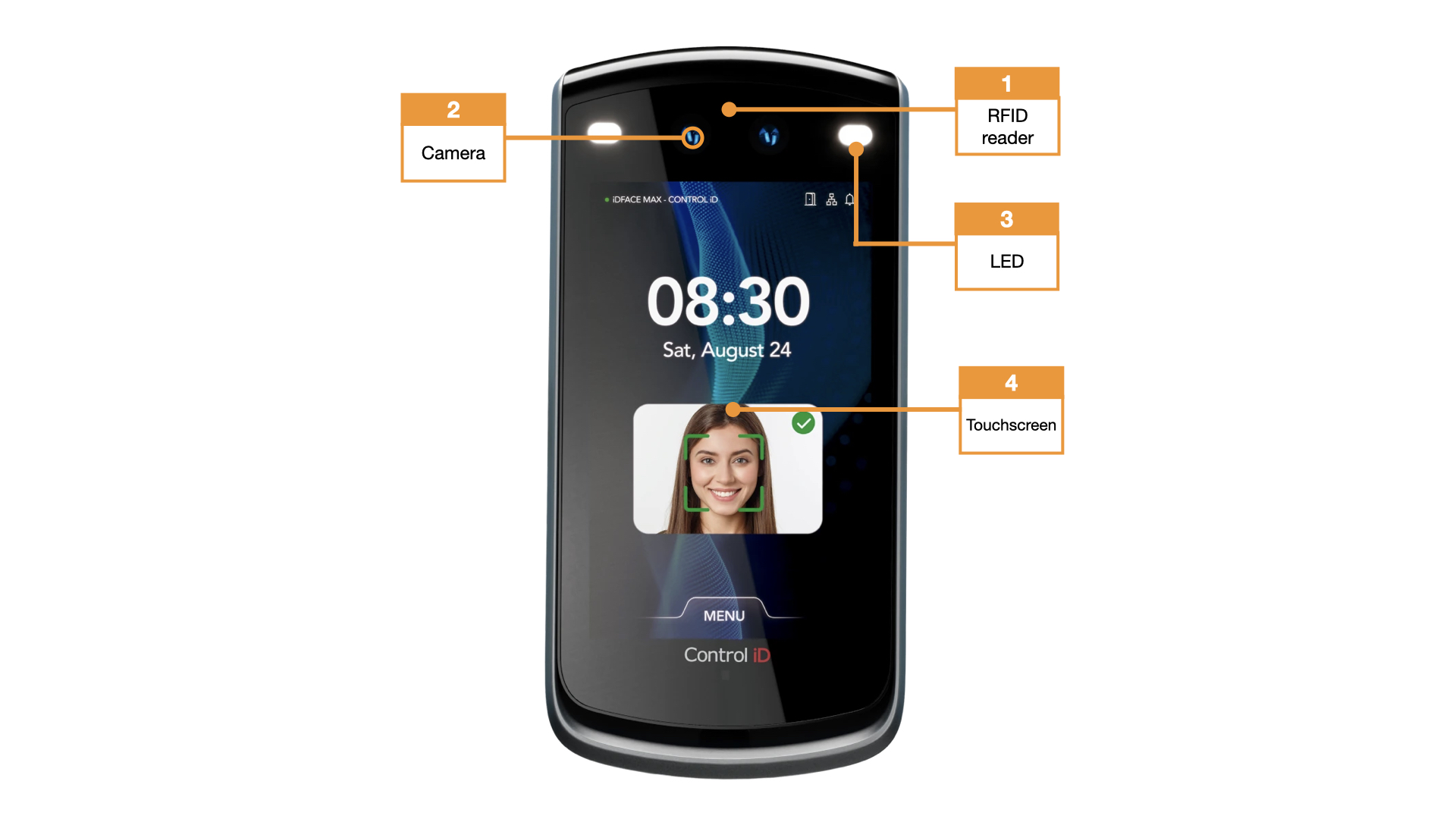
- RFID reader unit
- Camera
- LED
- Control element
User and access management
The administration of users and access rights is done on the main device of the installation with KentixOne.
All information about the software is available in the KentixONE section.
Assembly instructions
The correct mounting height of the device is crucial for reliable detection and optimum functionality.
- Personal operation (e.g. access control at doors):
The top edge of the device should be mounted at a height of 1.50 m above the finished floor level (FFB).
This position ensures optimum detection of faces and convenient operation for most users. - Vehicle operation (e.g., access control at barriers or gates):
— this mode is currently still EXPERIMENTAL —
The top edge of the device should be installed at a height of 1.35 m above the ground.
This ensures reliable detection of approaching vehicles.
Notes on installation:
- The appliance must be mounted vertically.
- The detection area must not be obscured by structural elements or other objects.
- Before final installation, ensure that the cabling is correctly routed and connected.
A different mounting height can impair detection performance and operability.